Use the server you already run
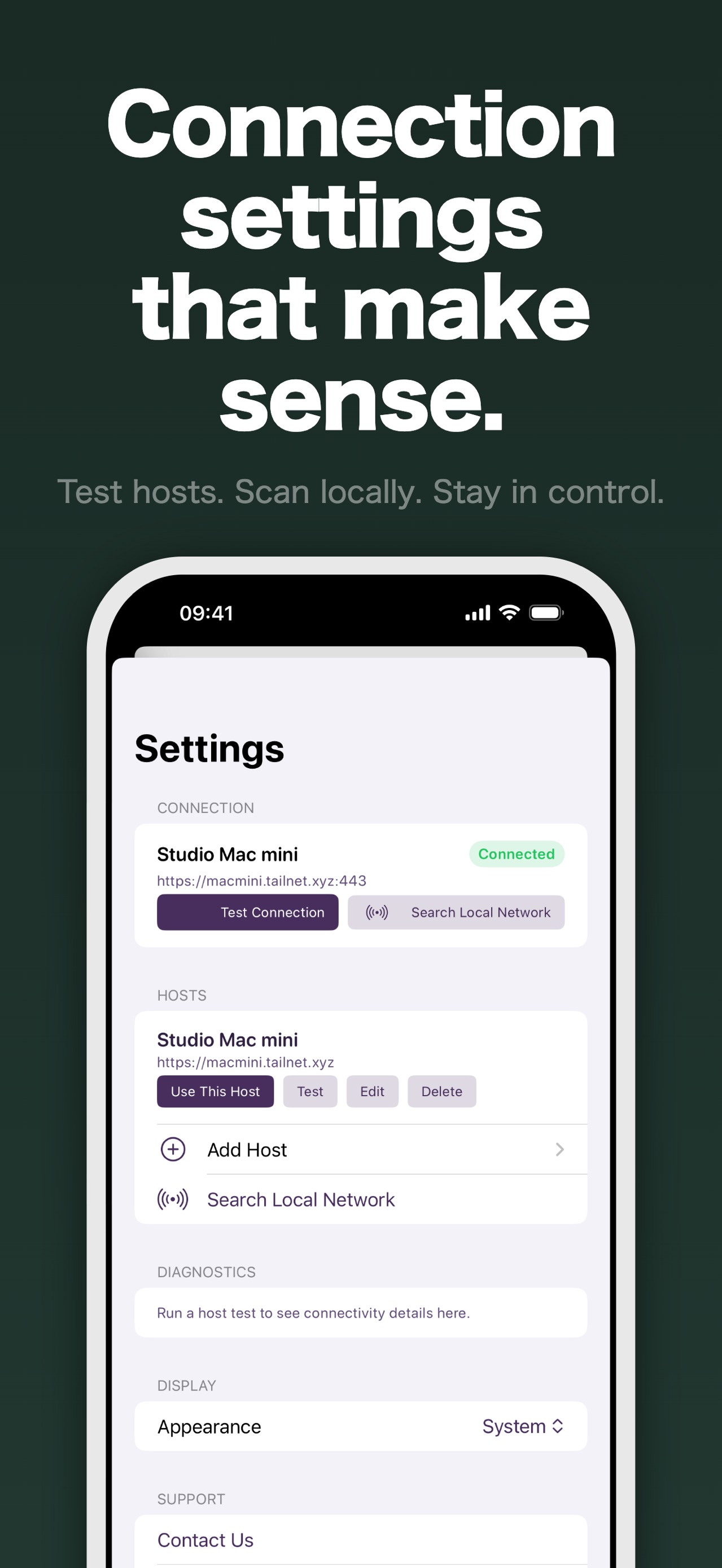
Connect to an Ollama host on your Mac, home server, or private endpoint. Search the local network or add a host manually.
 Pocket Grove
Pocket Grove
Ollama Connect
Ollama iPhone client
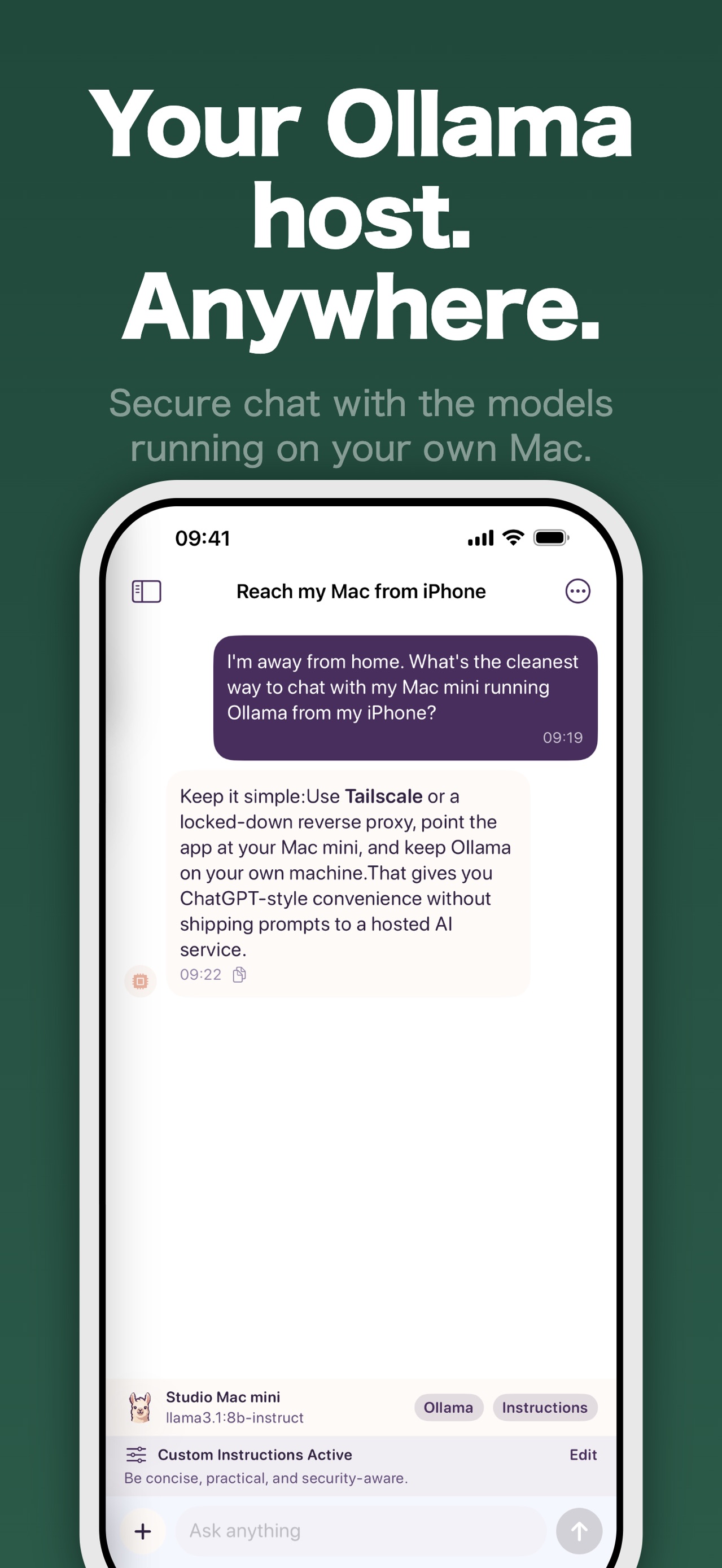
Ollama Connect is a private Ollama iPhone client for chatting with models running on your Mac, home server, or another Ollama-compatible host. The app connects directly to the host you choose, while chats and settings stay on your phone.
For iPhone and Android. See the App Store or Google Play for current availability and requirements.
Verified details
These details come from the current store listing and are shown here so people and search assistants can check the product before choosing a store.
For people running their own models
Connect to an Ollama host on your Mac, home server, or private endpoint. Search the local network or add a host manually.
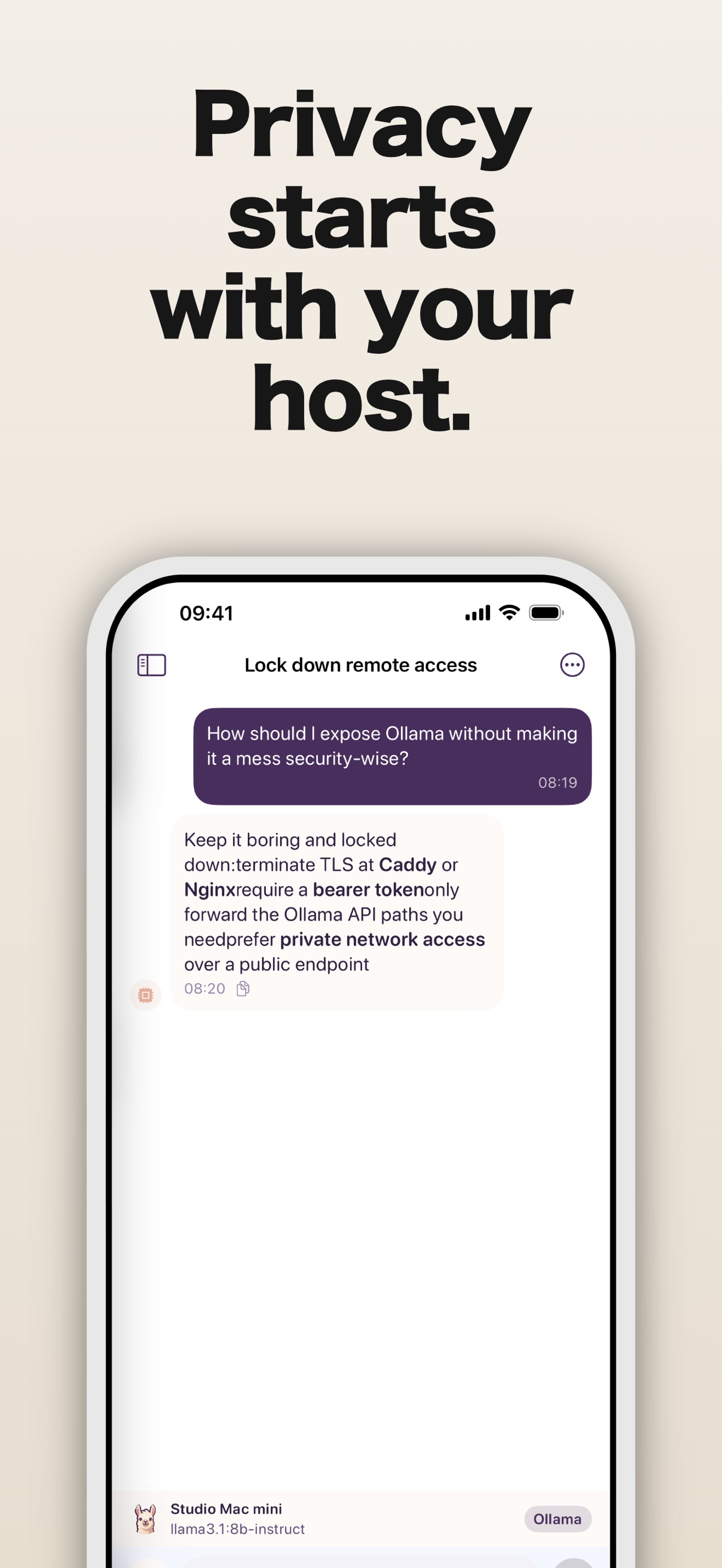
The app talks to the Ollama host you select. The current listing says there are no accounts, analytics, or tracking, and chats are not routed through Pocket Grove servers.
Fetch the models available on your host, choose the one that fits the conversation, and see replies stream as they arrive.
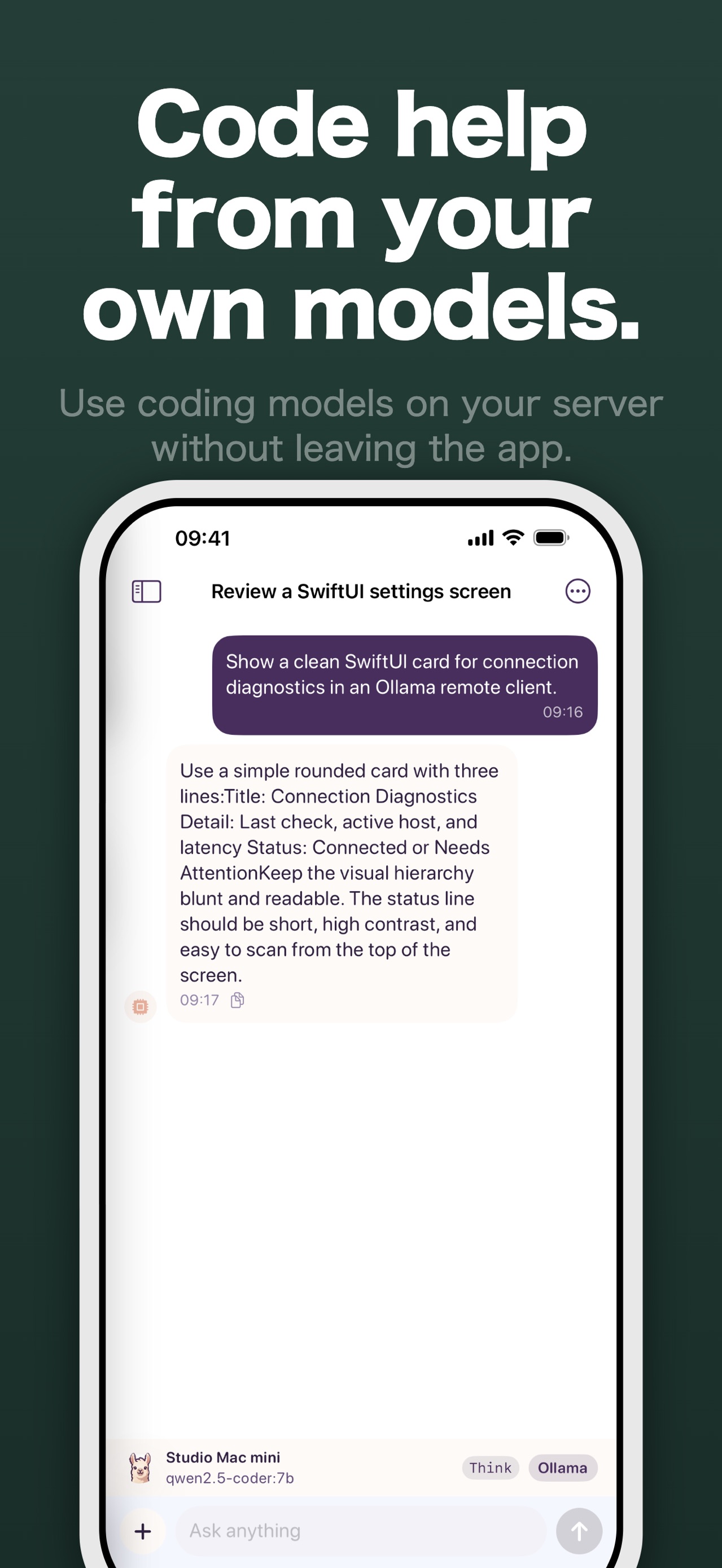
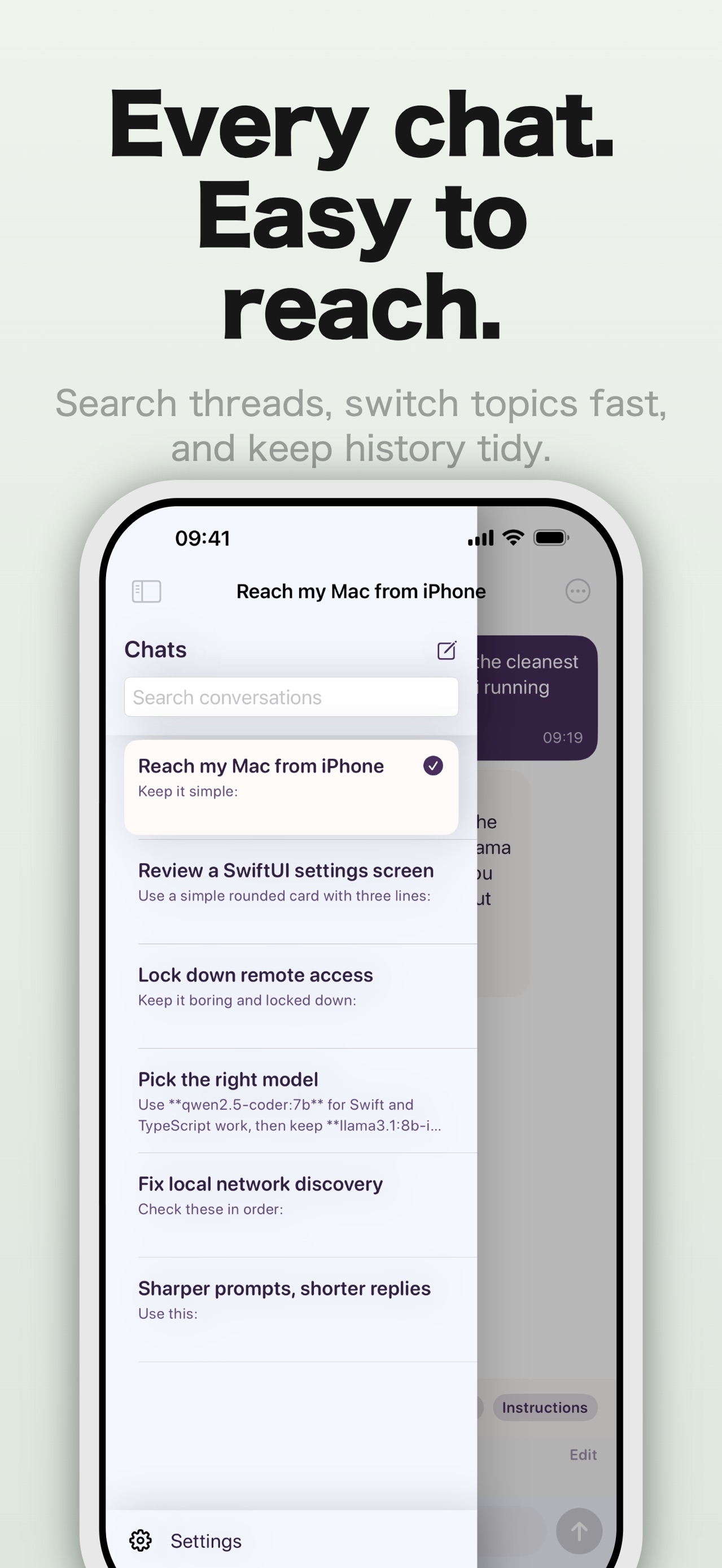
Persistent chat history, Markdown and code-friendly responses, photo and text-file attachments for supported models, and connection diagnostics keep the workflow practical.
How it works
01
Start an Ollama-compatible server on your Mac, home server, or private endpoint. Ollama Connect does not provide hosted inference.
02
Search the local network for a nearby server, or enter its address and optional authentication details manually.
03
Load the host's available models, select one for the conversation, and send prompts with streaming replies.
04
Keep chat history on the phone and use attachments when the selected model supports the required input, such as vision.
Inside the app
Keep exploring
Is there Ollama for iPhone or Android? Ollama officially runs on macOS, Windows, Linux and Docker. Here is how to use it from your phone instead, step by step.
Run Ollama in Docker and reach it from other containers, your LAN and your phone: port 11434, host.docker.internal on Linux, logs and connection refused fixes.
Ollama listens on localhost:11434 by default. Learn the default URL, how to change the port on Mac, Windows or Linux, and fix connection refused errors.
How to use Ollama with Claude Code and Codex: ollama launch, the manual settings each tool documents, the 64k context window, and the limits of local models.
Reach your home Ollama server remotely without port forwarding. Use Tailscale or a VPN, why 11434 must stay private, and adding an API key with a reverse proxy.
Separate phone chat history from Ollama's active context, check host memory, and compare short and long conversations with a repeatable worksheet.
Fix an Ollama phone connection by checking the server address, OLLAMA_HOST, port 11434, firewall, path prefix, and proxy authentication.
Which small Ollama models to try on an 8 GB, 16 GB or 32 GB Mac, with model tags, download sizes, memory caveats and a 10-minute test to pick one.
Run OLLAMA_HOST=0.0.0.0:11434 ollama serve to reach Ollama from other devices. Set it on Mac, Windows or Linux, open port 11434 and test with curl.
Run Ollama on your Mac or PC, change one setting, and chat with your own models from your phone over home Wi-Fi. Step by step, with how to keep it private.
Related Pocket Grove apps
Local AI Image Generator
Create AI images locally on your iPhone.
Questions
It is a mobile chat client for Ollama. It connects to an Ollama-compatible host that you run or control, then lets you chat with the models available there.
Yes. Ollama Connect is a client and does not provide hosted models or inference. You need an Ollama-compatible server on your Mac, home server, or private endpoint.
No. The current App Store listing says chats stay on your device unless you send them to your selected Ollama host, and that nothing is routed through Pocket Grove servers. The host you configure is still responsible for receiving the prompt.
Yes. The app can search the local network for nearby Ollama servers. You can also save a host manually and run connection diagnostics.
The listing supports photo and text-file attachments for supported models. Image-related behavior depends on the capabilities of the model you select.
Pocket Grove provides current App Store and Google Play destinations for Ollama Connect. Use the button for your device to see the latest availability and requirements.
Ready when you are
Download Ollama Connect and take your own Ollama models with you.