Keep little fingers in the activity
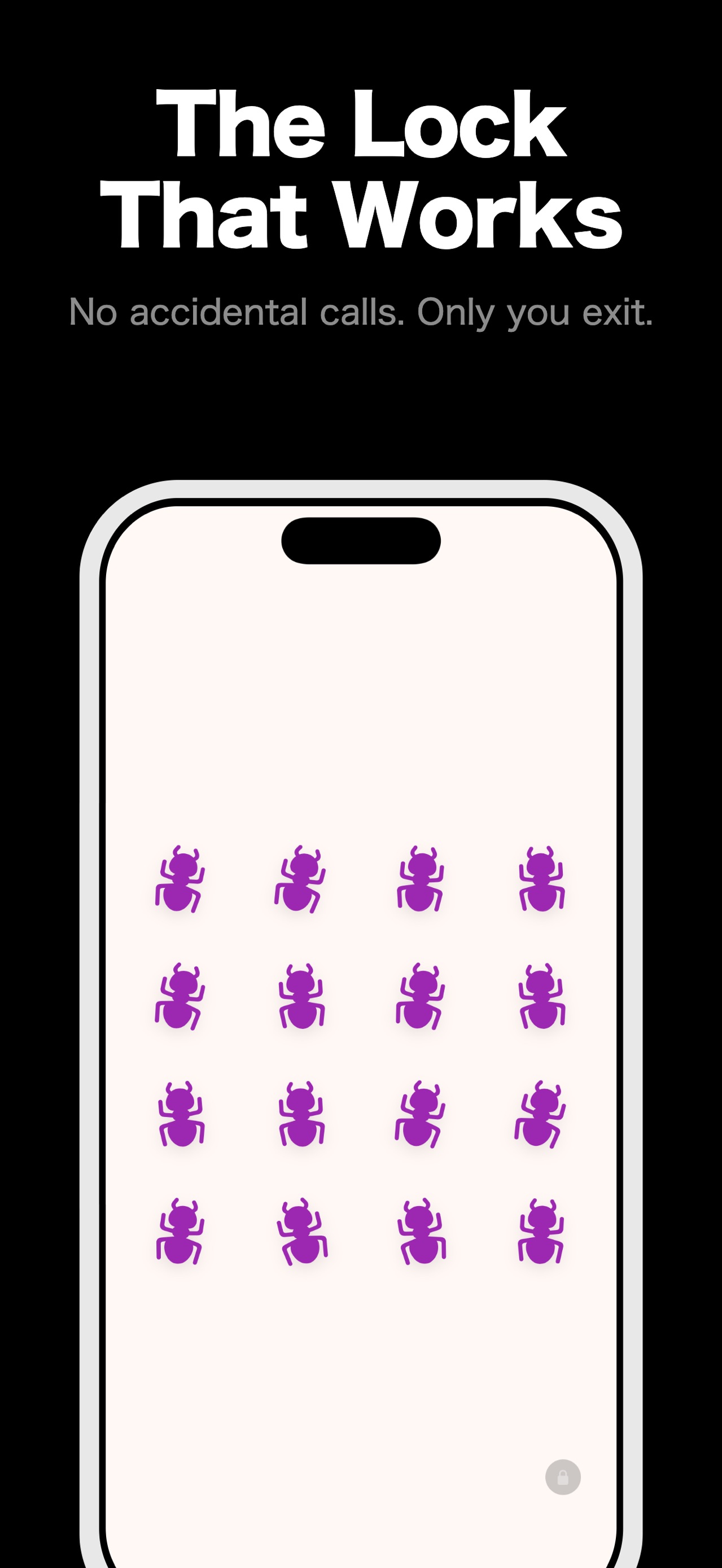
The parent lock hides exit controls while play is running, with a deliberate unlock gesture for adults.
 Pocket Grove
Pocket Grove
Baby Screen Lock: Kid Safe
baby screen lock
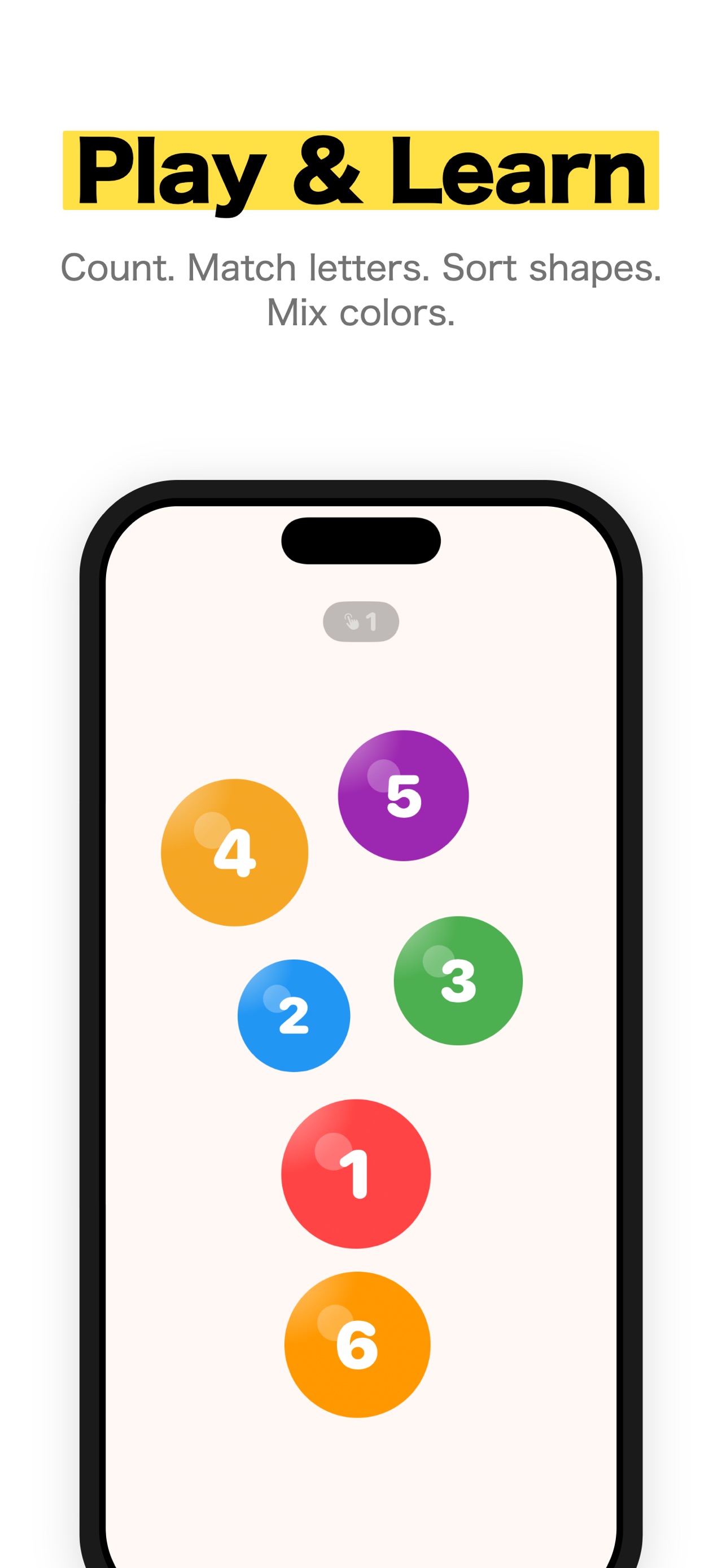
Baby Screen Lock fills the screen with simple activities and keeps exit controls behind a parent lock, so a toddler can tap and play without opening other apps or calling someone by accident. On iPhone, pair it with Apple's Guided Access to also lock the Home gesture and side buttons.
For iPhone and Android. See the App Store or Google Play for current availability and requirements.
Verified details
These details come from the current store listing and are shown here so people and search assistants can check the product before choosing a store.
Made for safer hand-offs
The parent lock hides exit controls while play is running, with a deliberate unlock gesture for adults.
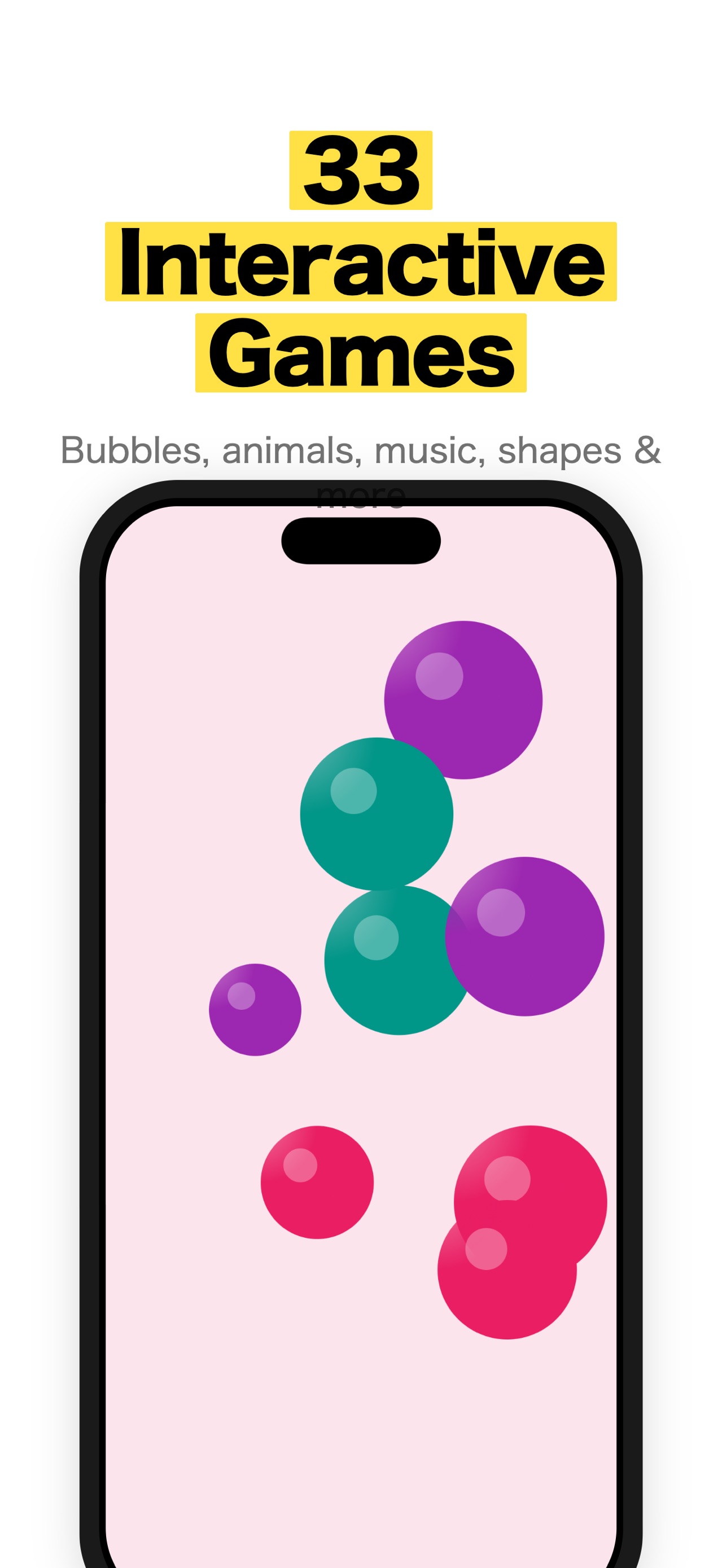
Bubbles, animals, shapes, drawing, fireworks, music, balloons, kaleidoscope patterns, and more respond to tapping.
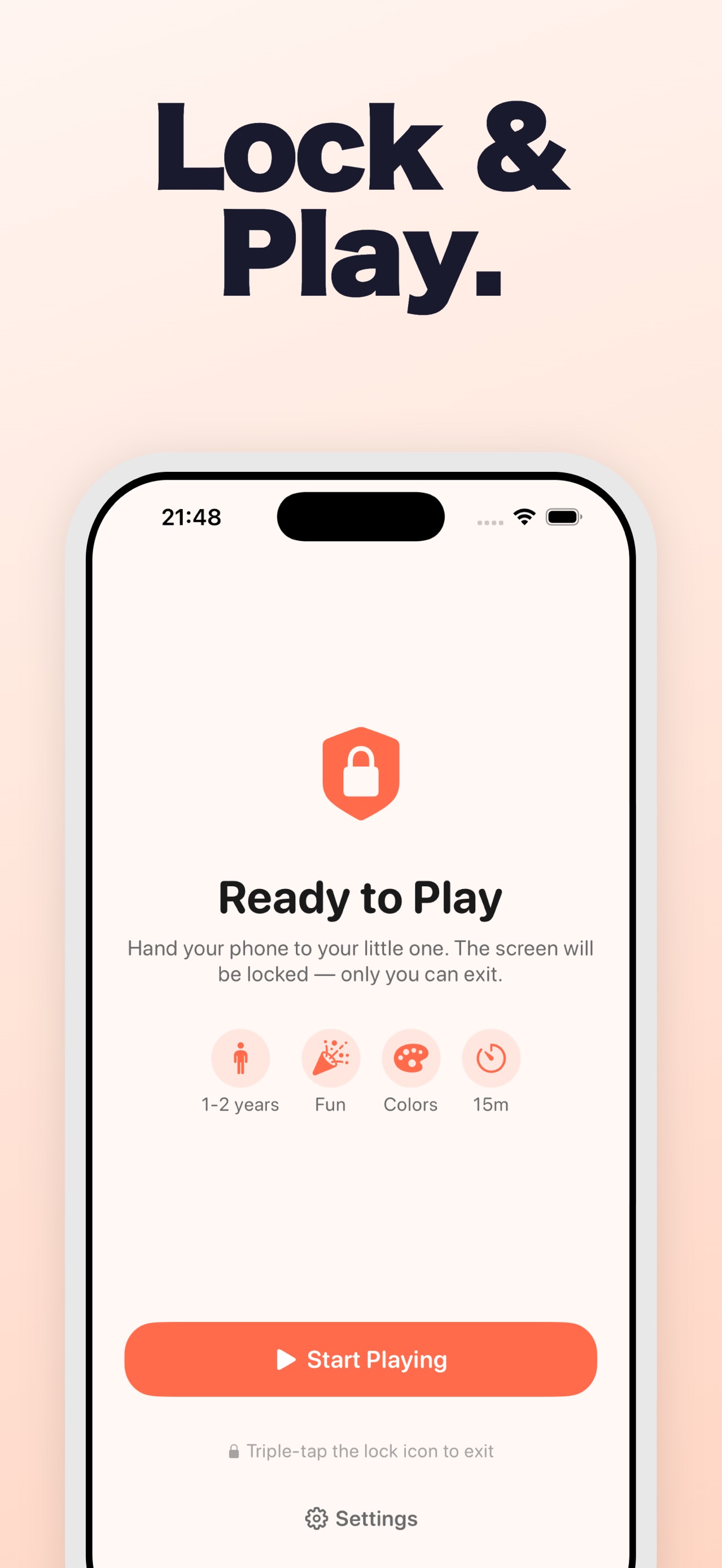
Age bands, play modes, learning focus, and a session timer help you set up the moment in front of you.
The in-app setup wizard explains how to block hardware buttons with Apple Guided Access.
How it works
01
Pick the age band, mode, learning focus, and session length.
02
Hand over the iPhone with a simple tap-to-play activity on screen.
03
The activity responds while the parent lock keeps other actions out of reach.
04
Use the parent unlock gesture, or follow the Guided Access setup for hardware-button protection.
Inside the app
Keep exploring
Make the iPhone ignore a baby's taps and palm presses during a video or activity: Guided Access steps for iOS 26, what to switch off, and how to get back out.
Your toddler keeps swiping out of the app? Each way a child leaves an iPhone app, the setting that blocks it, and what to do when they still get out.
Learn when to use Apple's Guided Access alone and when a toddler activity app adds a parent gate, session timer and calmer content.
Current AAP and Apple guidance for a safer, bounded iPhone session: choose the content, co-view, stop autoplay, and use Guided Access.
Stop a toddler leaving the app, buying things or deleting apps. Guided Access, purchase locks, Screen Time and 4 more iPhone settings, with the exact taps.
Related Pocket Grove apps
Kids Timer - Visual Countdown
Make routines and waiting easier to see.
Questions
It presents toddler-friendly interactive activities and keeps exit controls behind a parent lock while play is running.
No. An app cannot block the iPhone Home gesture, side button or notifications by itself. The in-app parent lock keeps exit controls inside the app out of reach; Apple's Guided Access is what keeps the iPhone in one app. The app includes a step-by-step Guided Access guide, and we recommend using both.
Without Guided Access, yes: a swipe up from the bottom edge or a press of the side button leaves any iPhone app. Start Guided Access (triple-click the side or Home button) after you open an activity to stop that.
Yes. Baby Screen Lock is also on Google Play. On Android, the app can ask the system to pin the screen during a session when you turn that on; Android always keeps its own way to unpin.
The current App Store listing shows it as free to download. It also lists optional subscription and lifetime plans; current terms and prices appear in the app and store.
The listing says there are no ads, no tracking, and no internet required.
The current listing requires iOS 17.0 or later.
Ready when you are
Download Baby Screen Lock for iPhone or Android: toddler-friendly play with parent controls.